

You need one smart home hub. You may already have one.
Locksure Matter sensors talk over Thread, a low-power radio built for small battery devices. To reach your phone they need one smart home hub in the house that speaks Matter and Thread. Any one of these works as the hub on its own. Find the home app you use.
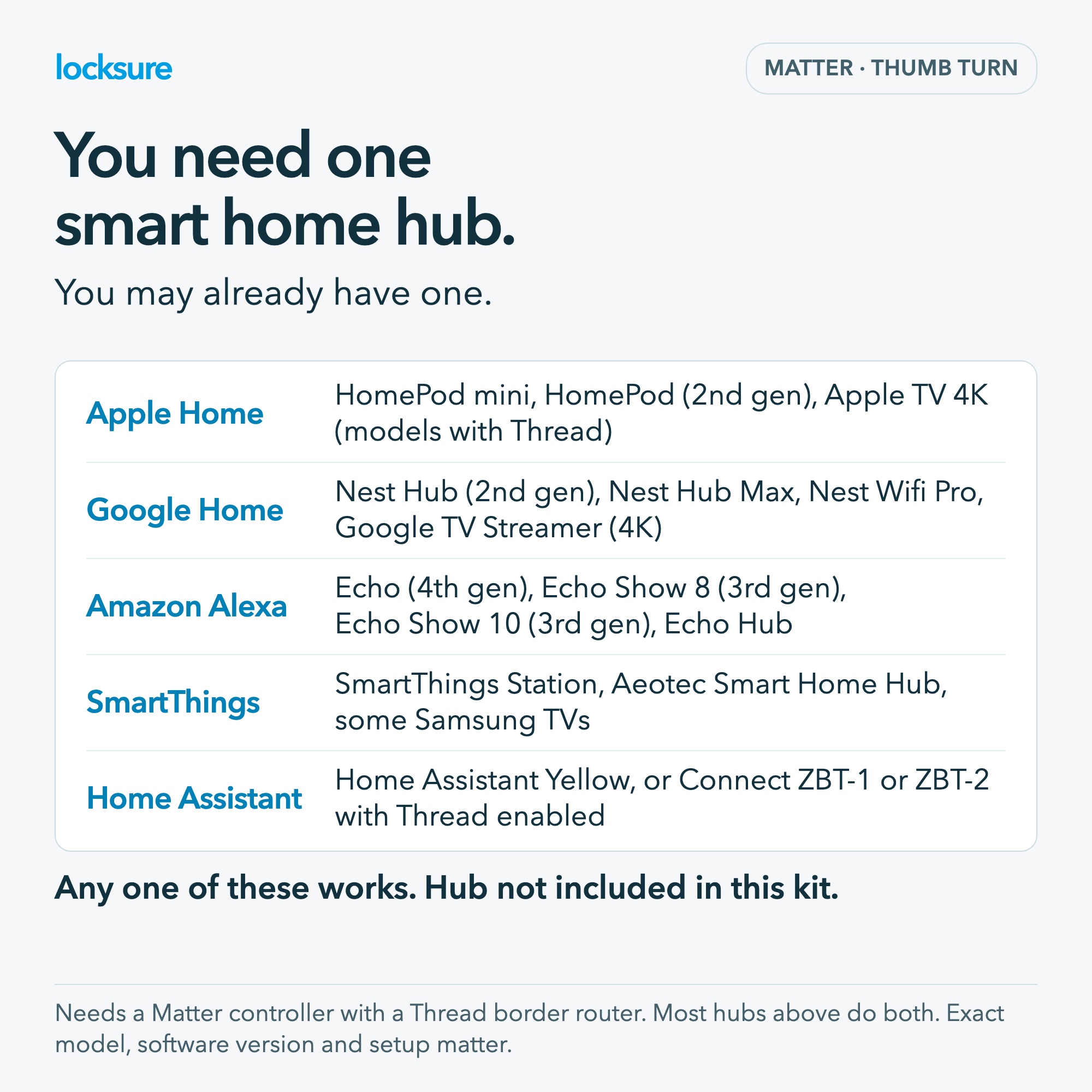
| Home app | Hubs that work on their own |
|---|---|
| Apple Home | HomePod mini, HomePod (2nd generation), Apple TV 4K (2nd generation, or 3rd generation Wi-Fi + Ethernet) |
| Google Home | Nest Hub (2nd gen), Nest Hub Max, Nest Wifi Pro, Google TV Streamer (4K), Google Home Speaker |
| Amazon Alexa | Echo (4th gen), Echo Show 8 (3rd gen), Echo Show 10 (3rd gen), Echo Show 15 (2nd gen), Echo Show 21, Echo Hub, Echo Studio, Echo Dot Max |
| SmartThings | SmartThings Station, Aeotec Smart Home Hub, some Samsung TVs with a SmartThings hub built in |
| Home Assistant | Home Assistant Yellow, or any Home Assistant with a Connect ZBT-1 (SkyConnect) or ZBT-2, with Thread enabled |
The hub is not included in the kit. Smaller speakers such as Echo Dot, Echo Pop and Nest Mini do not have Thread, so they need one of the hubs above alongside them.
The technical detail: the sensor needs a Matter controller with a Thread border router. Most of the hubs above do both. Exact model, current software and platform setup matter.
No Locksure hub is required for the Matter connection. The optional Locksure Matter Hub is an extra display, not a replacement for your smart home hub.
How do I check which model I have?
- Apple: in the Home app, go to Home Settings, then Home Hubs and Bridges. A HomePod mini, HomePod (2nd gen) or a listed Apple TV 4K shown as Connected is your hub. The Wi-Fi-only 3rd generation Apple TV 4K is different: it has no Thread.
- Google: in the Google Home app, open the device and look at Device information. A Nest Mini, Nest Audio or 1st generation Nest Hub is not the same device as a Nest Hub (2nd gen).
- Amazon: in the Alexa app, open the Echo’s settings, then About. An Echo Dot or Echo Pop has no Thread. A Thread-capable eero alone does not complete your Matter setup.
- SmartThings: the older SmartThings Hub v2 has no Thread. Samsung TV support depends on the model.
- Home Assistant: Thread has to be switched on. The ZBT-1 and ZBT-2 radios run Zigbee out of the box; you need the OpenThread Border Router add-on. Home Assistant can also use a hub from another row.
The exact-model guide links to each maker’s own page so you can check before you order.
What if I do not have one?
Consider the Original range, which comes with its own Locksure Display Hub and app and needs only home Wi-Fi. It is a different connection route and often the cheaper one if you would be buying a smart home hub just for this.
Why one hub, and why Thread?
Thread lets a coin-cell sensor sleep almost all the time and still report a lock turn within a second or two. The hub keeps a permanent link to your home network on the sensor’s behalf. Wi-Fi sensors would need a much bigger battery; Bluetooth sensors need a phone in range. One hub, once, is the trade-off that gives you around 18 months on a CR2032.
Does the Locksure Matter Hub count as the hub?
No. The Locksure Matter Hub is an optional display and account accessory. It is not a Thread border router. You still need one of the hubs in the table above.
Can I use two different home apps?
A Matter sensor can be shared with more than one home app (Matter calls this multi-admin), but set it up in one first. Each app still needs its own compatible hub. Most people use one.
Was this page helpful?
Thank you. If you still need help, email support.