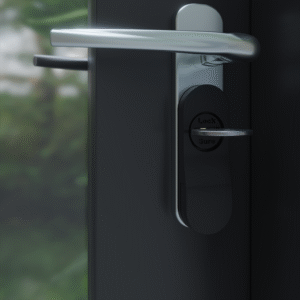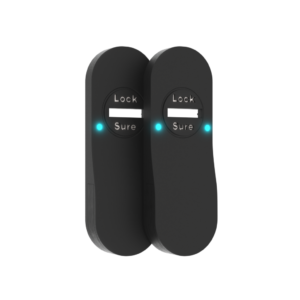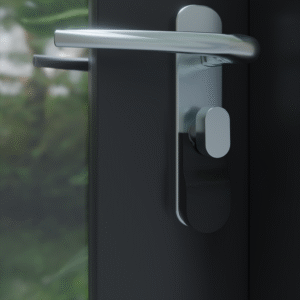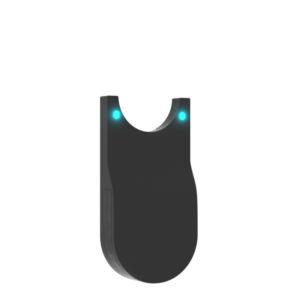

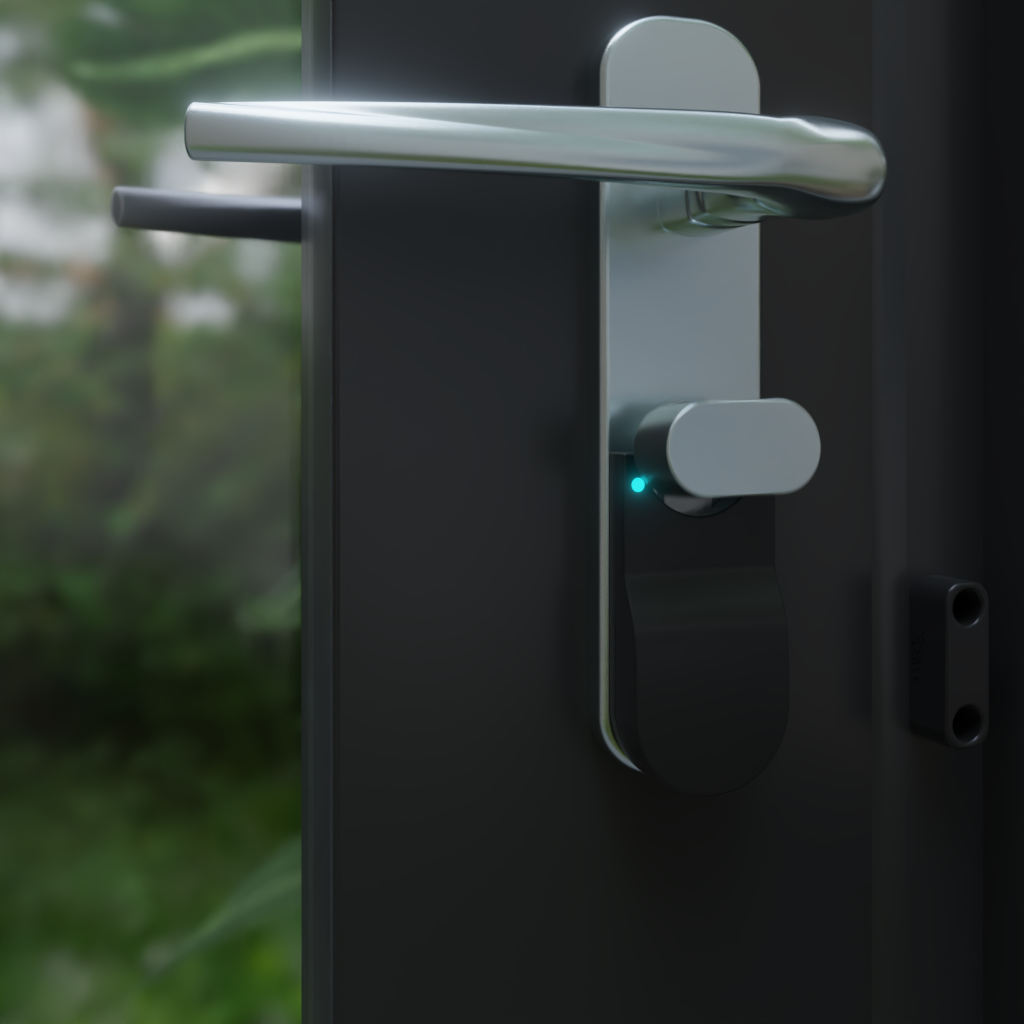
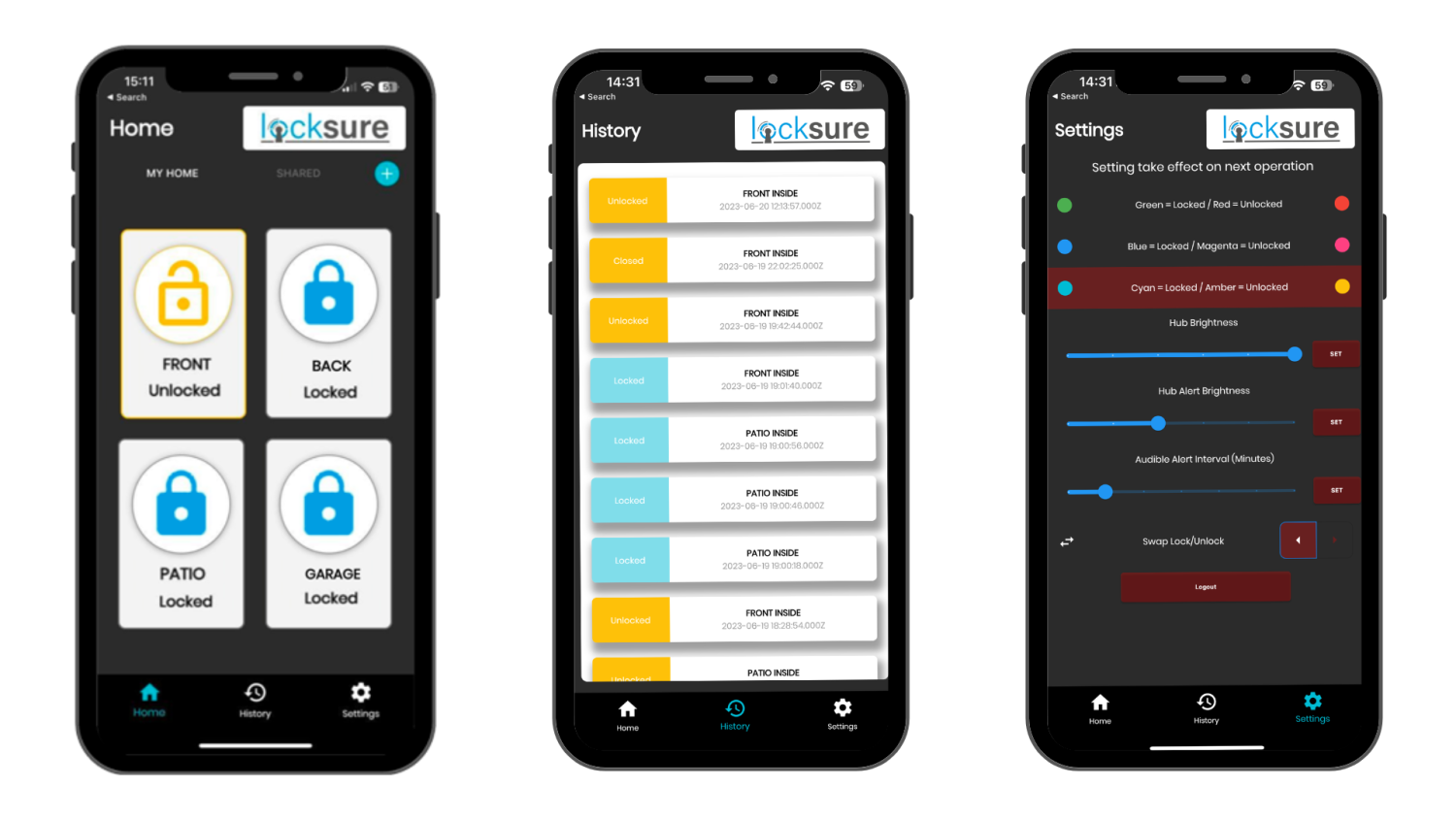
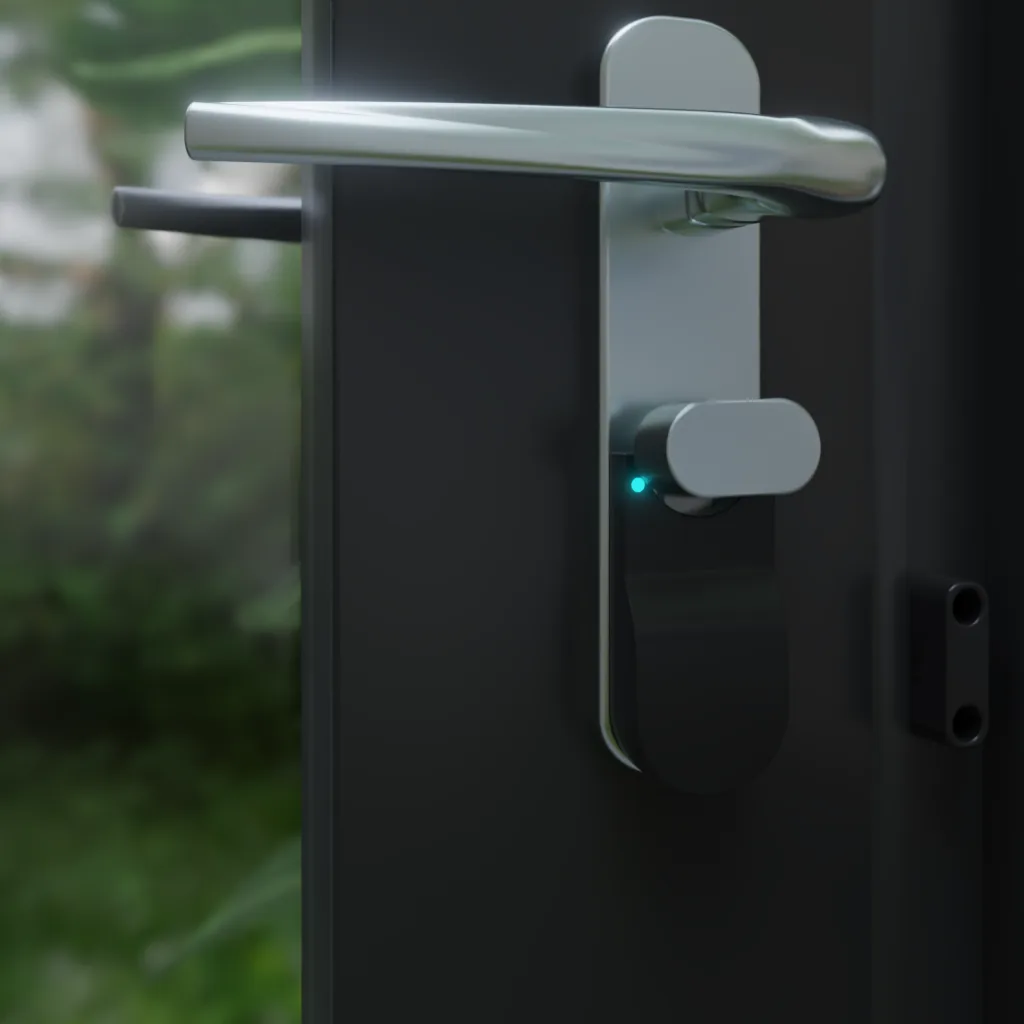
The Locksure Open/Close Magnet is the optional door-position accessory for the Locksure Matter Thumb Turn or Key Turn sensor. Mount it on the door frame with the included 3M VHB adhesive pad and the same Matter sensor that’s already reporting lock state will additionally report door open/close, on a second Matter endpoint (Contact Sensor) that ships dormant in every Locksure Matter sensor’s firmware. No batteries, no wiring, no pairing, no app setup. One sensor, two Matter tiles, two device-type endpoints (Door Lock + Contact Sensor) that every Matter controller and automation engine treats as first-class triggers.
Requires an existing Locksure Matter sensor. If you haven’t bought the Matter Thumb Turn (£69.99) or Matter Key Turn (£79.99) sensor yet, the Open/Close Magnet alone won’t do anything, the sensor is the Matter device, this accessory just unlocks its second endpoint.
What it adds to your Locksure Matter sensor
- Second Matter endpoint, the Contact Sensor (BooleanState) endpoint becomes active on the same physical sensor that reports lock state, so the sensor publishes both Door Lock (0x0101) and Contact Sensor endpoints in parallel
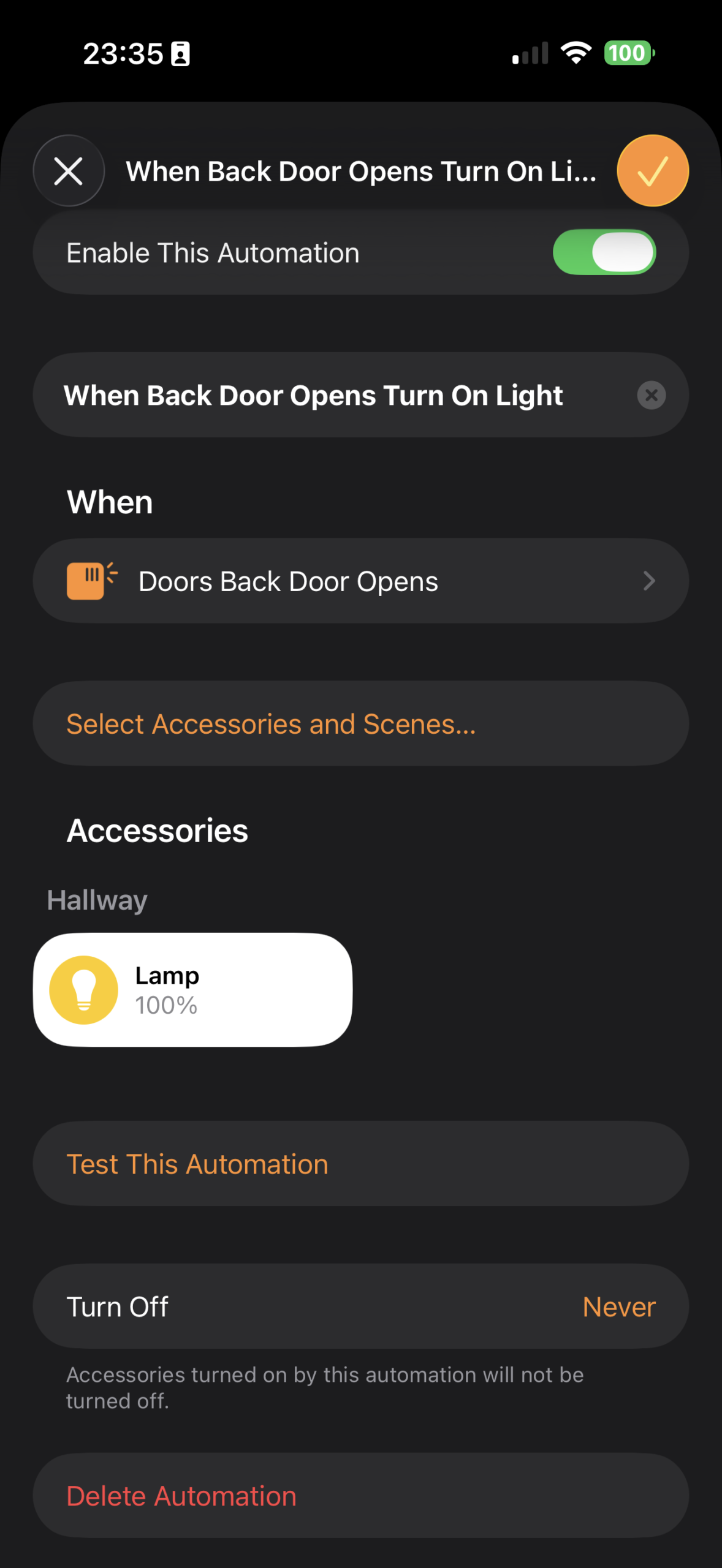
- Door open / close on every Matter platform, Apple Home, Google Home, Amazon Alexa, SmartThings and Home Assistant all see a standard Contact Sensor tile and can trigger automations from it (“when back door opens, turn on the light”, “when front door has been open more than 5 min, announce on the Echo”)
- One device, one battery, two states, you don’t add a separate contact sensor with its own pairing, batteries, and tile, the same Locksure sensor handles both
- No additional pairing, the sensor already advertises the dormant Contact Sensor endpoint, sticking the magnet on the frame and reseating the sensor with battery in is all that’s required
In the box
- 1× Locksure Open/Close Magnet
- 3M VHB adhesive pad (pre-fitted)
- Quick-start card (90 second install, no app required)
Fitting & Compatibility
Stick the magnet on the door frame so that, when the door is closed, it sits within ~6 mm of the Locksure sensor body. The sensor reads it as soon as it cycles. On Apple Home and Google Home you’ll see a separate Contact Sensor tile appear next to your existing Lock tile, that’s the second endpoint coming alive.
Recessed door frames: if the frame is recessed more than ~6 mm from the sensor face, the magnet’s field won’t reach. The quick-start card explains the two workarounds (small spacer behind the magnet, or repositioning the sensor body), or contact [email protected] with a photo for a setup recommendation.
Why we sell it as an accessory
A large share of customers want lock-state monitoring only, the deadbolt-actually-thrown question that no other Matter retrofit answers. Bundling the magnet into every sensor box meant adding cost and packaging weight for buyers who didn’t need it. Selling it as a £9.99 accessory keeps the base sensor price down to £69.99 (Thumb Turn) or £79.99 (Key Turn) and lets buyers add door open/close detection on the doors that actually need it.